AI images and video for your business: what actually works?
 Jesse ScherpenJune 1, 20266-minute read
In 2026, AI image and video generation gets you usable product images, illustrations, short videos and translated versions of your own videos. It works well for social media, online stores, blogs and internal videos. For your most important brand story, a real photographer or videographer is still better. The biggest pitfall isn't in the technology, but in the tools: lots of sites look official and aren't.
You've probably seen the demos: one sentence, and out rolls a photorealistic video. But as a business owner, a cat in a spaceship does nothing for you. In this article, you'll read what AI images and video really deliver right now, what Nano Banana is, where things still go wrong and how to choose tools that will still exist six months from now.
What can you do with AI images and video today?
- Creating and editing images: an illustration for a blog, a product photo in a different setting or a mockup of a design. Examples are Google's Nano Banana, Adobe Firefly and ChatGPT's image features.
- Video from text or a photo: you describe a scene or upload an image, and the AI turns it into a short video. Examples are Google's Veo, OpenAI's Sora and Runway.
- Avatars and translation: a digital version of yourself that speaks a text, or an existing video translated into another language with matching lip movements. Examples are HeyGen and Synthesia.
The first and the last category in particular are directly usable for small and mid-sized businesses right now. Fully generated video scenes are impressive, but still uneven in quality.
What is Nano Banana?
Nano Banana is the nickname of Gemini 2.5 Flash Image, the image generator Google released in August 2025. Nano Banana Pro followed later. It creates images from a text prompt in seconds and edits existing photos.
The big leap is in consistency. Give it a photo of a person or product, and it places that same person or product in other situations, without the face or the details changing. With earlier image generators, you kept getting a slightly different face or a slightly different product.
You use Nano Banana through the official Gemini app, Google AI Studio or the Gemini API.
What it's good at
- Product images: turning one good product photo into different mood shots, without the product changing.
- Different backgrounds: showing a team photo in a different location without it looking pasted in.
- Illustrations for content: a fitting image for a post or article, in seconds.
- Mockups: a design on packaging, a shirt or a screen.
What it's not good at yet
Text in images still goes wrong regularly, and so do fine details like hands and jewelry. For high-end commercial work, a photographer or designer is still the better choice.
Watch out for copycats
With the hype came the knockoff sites. There are dozens of tools online that use "Nano Banana" in their name and pose as the official version. Some just put their own wrapper around Google's API, at a higher price. Others are downright problematic:
- A different model under the same name: you pay for Nano Banana and get a worse model.
- Unclear handling of your data: you upload product photos or portraits to a company when you don't know where its servers are or who's behind it.
- Suddenly gone: tools like these live off the hype and disappear once it's over.
- Hidden costs: a free trial that quietly turns into a monthly subscription.
The question isn't whether an AI tool works. The question is whether it still works six months from now, and what happened to your data in the meantime.
Jesse Scherpen, owner of SharpClicks
AI video: three uses that work
1. Personal videos at scale
Record a video of yourself once and turn it into an avatar. Connect it to your CRM, and every new customer gets a welcome video that addresses them by name. That feels personal, without you having to get in front of the camera again and again.
2. Mood shots and cutaways
Editing often gets stuck on that one missing shot. Instead of searching through stock footage libraries, you generate a short cutaway yourself.
3. Translating videos
Expanding to Germany or France? You translate your existing Dutch video into another language, with your own voice and adjusted lip movements. That saves you a new shoot or a hired voice-over.
Where AI video still falls short
- Consistency across multiple shots: making the same person or product look exactly the same in the next scene is still hard. Clothing, lighting or details shift.
- The uneasy feeling with avatars: people often still sense they're watching a digital copy. Fine for an internal training video, less so for your brand story.
- Control: you steer with text, not with a camera. Getting exactly the image you have in mind often takes several tries.
How to choose a reliable tool
1. Official or from a well-known company
Use the official apps and APIs from Google, OpenAI or Adobe, or a well-known company like Canva or Figma. No anonymous site with nothing but a payment button.
2. Clear about where your data goes
Which server, which country, how long is it stored? If that isn't stated anywhere, don't go any further.
3. A predictable price
Be wary of murky credit systems. Official APIs charge per use, and you can see it on a dashboard.
4. Real added value
Is a tool just a nicer wrapper around an official API? Then you're paying for convenience. That can be worth it, but make that choice on purpose.
Consent and honesty
Don't make AI images of real people without their consent, even if it's technically possible. It's a legal risk and above all a trust problem: as soon as it comes out that a business uses fake photos, the trust is gone. Also don't pretend AI images are real photos. Images that could be mistaken for real ones should be clearly labeled as made by AI; the EU AI Act requires that too. On top of that, check the license terms if you use images commercially.
Build systems, not a stack of subscriptions
A tool only really pays off once it becomes part of your work. An example: you publish a blog article, a language model automatically writes a short summary of it, and that summary goes to a video API. A few minutes later, a summary video is ready to post on LinkedIn. We build connections like these with n8n and the official APIs from Google or OpenAI, so you know what it costs and your data stays in your own environment.
Good output starts with good instructions. Also read our six steps to better prompts.
Conclusion
AI images and video are usable for small and mid-sized businesses: for product images, illustrations, personal videos and translations. Don't expect a complete corporate video in one click, and choose official tools over the trendy name. That way you save time without your brand or your data suffering for it.
Want to make AI images or video part of your work? Book an intro call. Read more about what we build under AI automation.
Frequently asked questions
What is Nano Banana?
Nano Banana is the nickname of Gemini 2.5 Flash Image, Google's AI image generator. It creates images from a text prompt in seconds or edits a photo, and keeps people and products easy to recognize while it does. There's now a Pro version too.
Is Nano Banana free to use?
You use Nano Banana through the official Gemini app, Google AI Studio or the Gemini API. The app has a free tier with limits; through the API, you pay per use, which you can see on a dashboard.
Are the Nano Banana copycats safe?
Often not. There are dozens of tools online under the name Nano Banana; some run a different, worse model or are vague about what happens to your images. Use the official Google channels or a well-known company.
Can I make a corporate video with AI?
For short videos, cutaways, personal messages with an avatar and translations, yes. For your most important brand story, a real shoot is still better: AI video struggles with consistency across multiple scenes, and avatars don't always feel real.
Can I use AI images commercially?
That depends on the tool's terms. Check the license before you put images in ads or on your site, don't use recognizable people without their consent, and make it clear that images were made by AI if they could be mistaken for real ones.
 How we can help
Corporate videos. A video that sells for you. You'll hear the price per video on a call.
See the service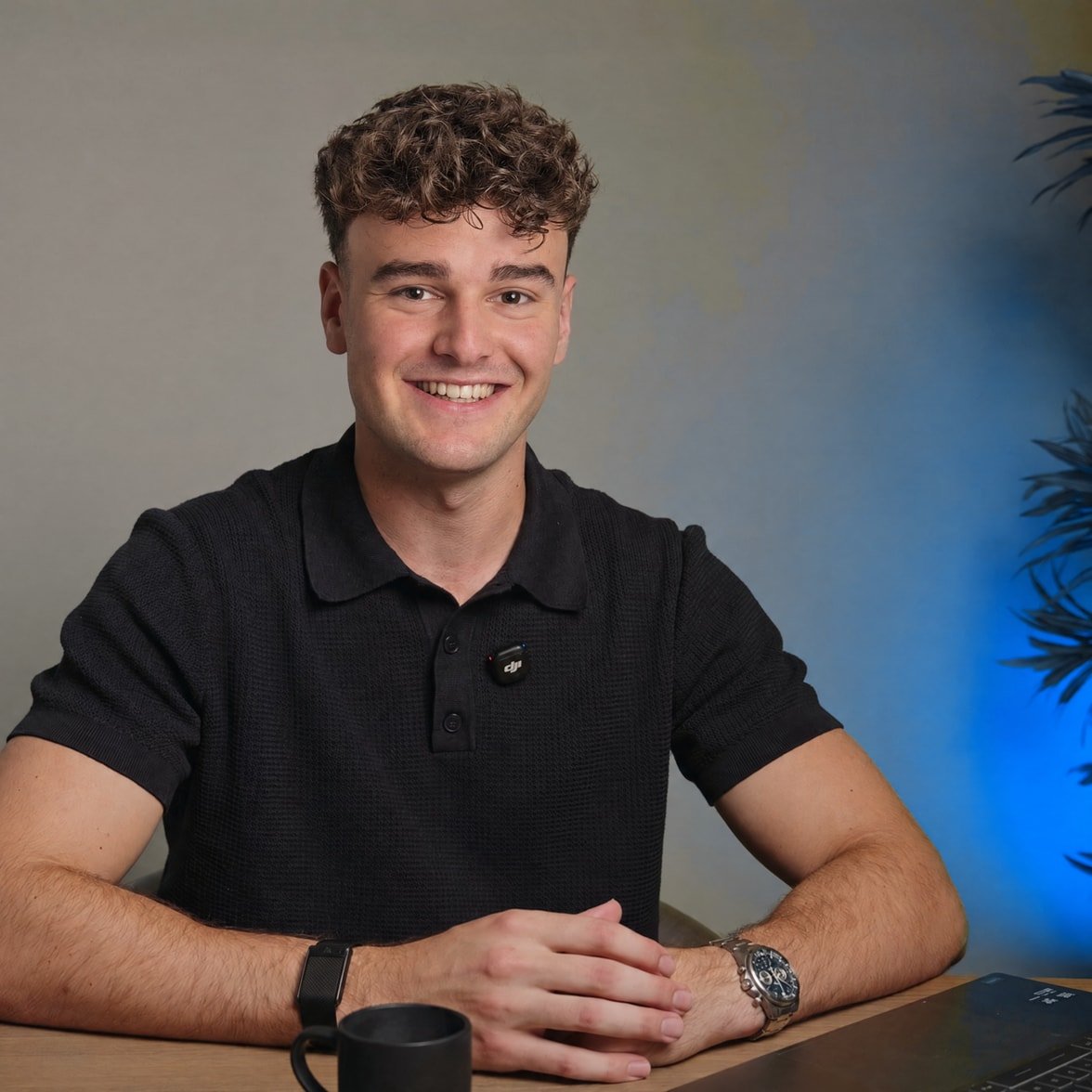
Written by Jesse
Jesse Scherpen is the owner of SharpClicks. He studied e-commerce at Windesheim, wrote blogs himself and managed ads for clients, and now builds the systems that take over that work.